

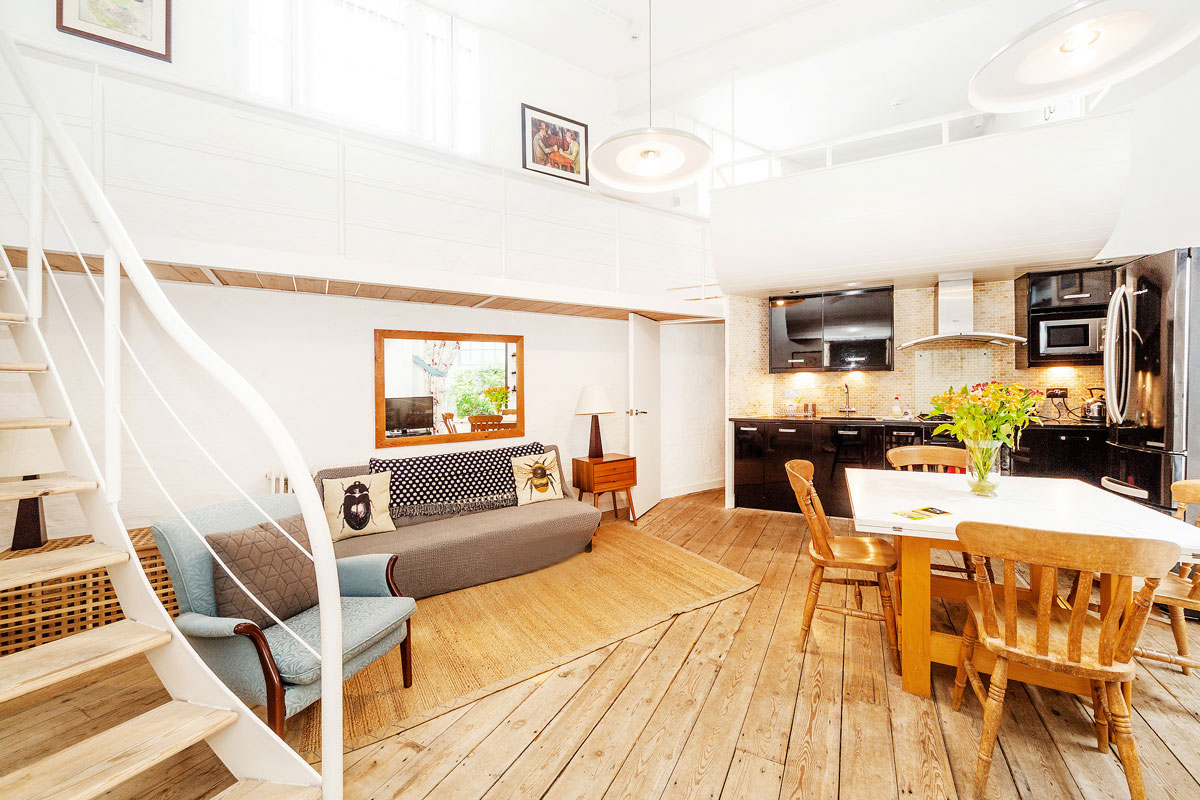
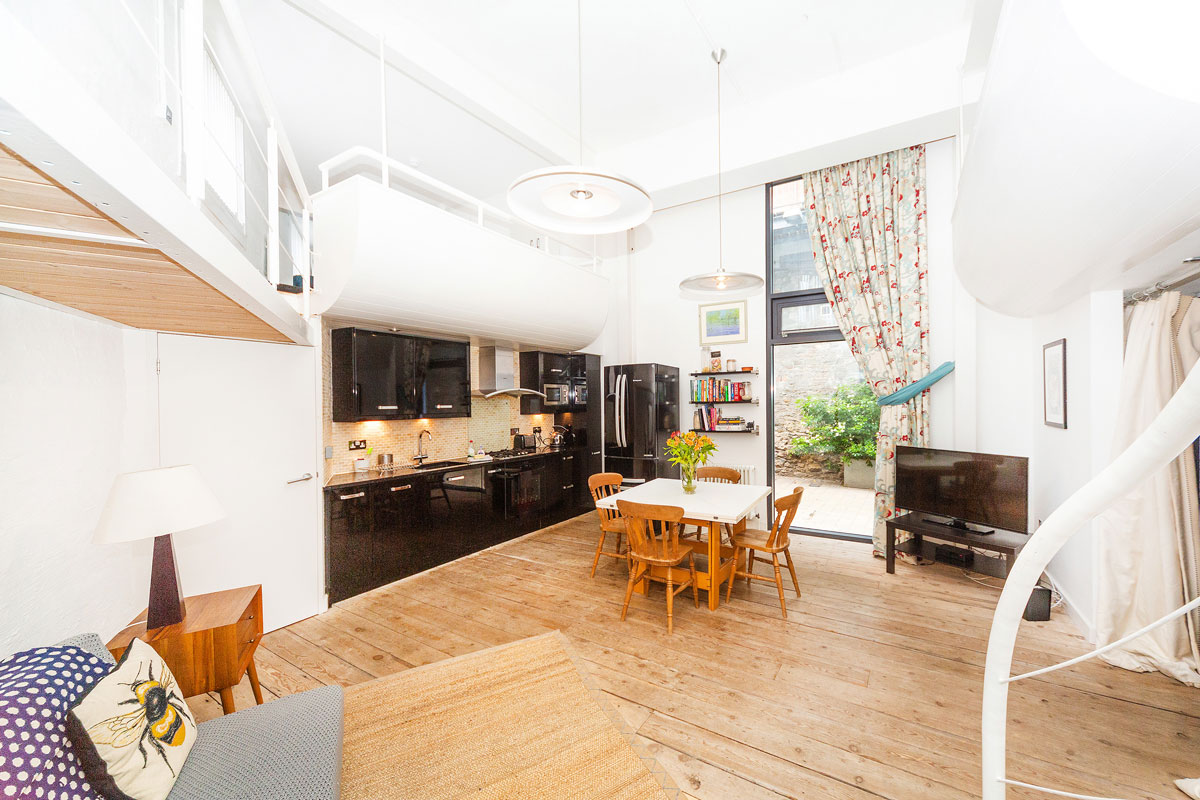
Live/work spaces and loft apartments in converted industrial buildings along with newly built 1, 2 & 3 bedroom apartments and 2, 3 & 4 bedroom new-build homes.
Final Phase
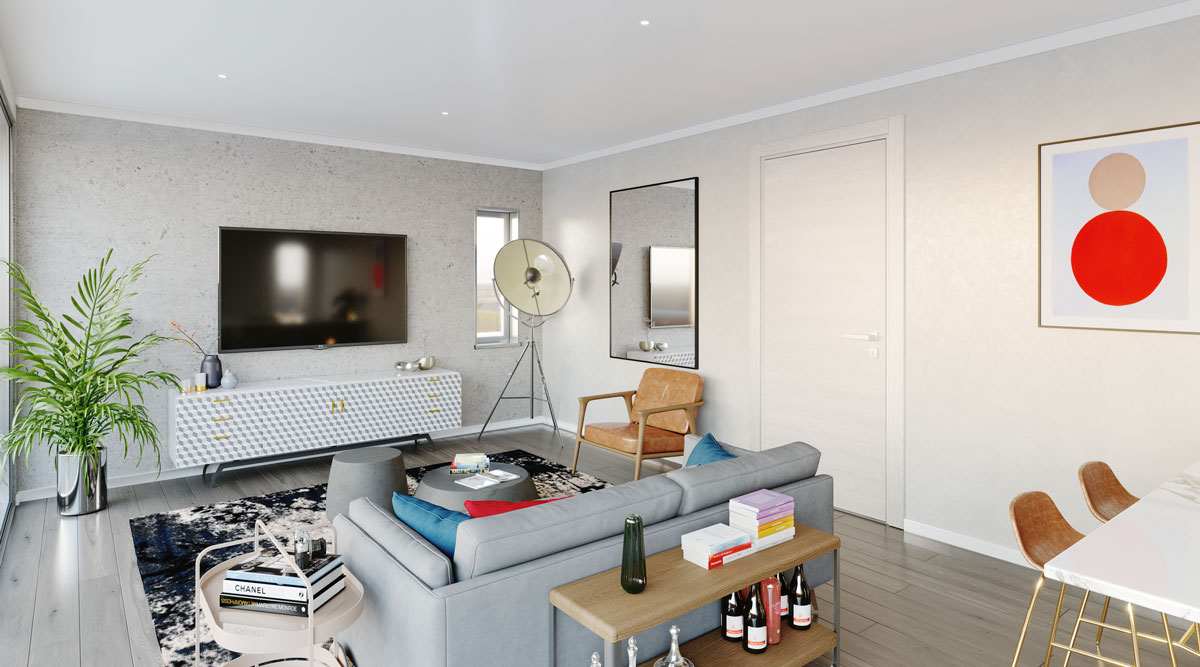
Paintworks IV, developed in partnership with Rengen, has now launched and includes residential, commercial and public use spaces, piazzas and a boating pond. See a CGI gallery.

1, 2 & 3 bedroom apartments for sale
Please contact Savills for further information at 0117 910 0360
Earlier Phases
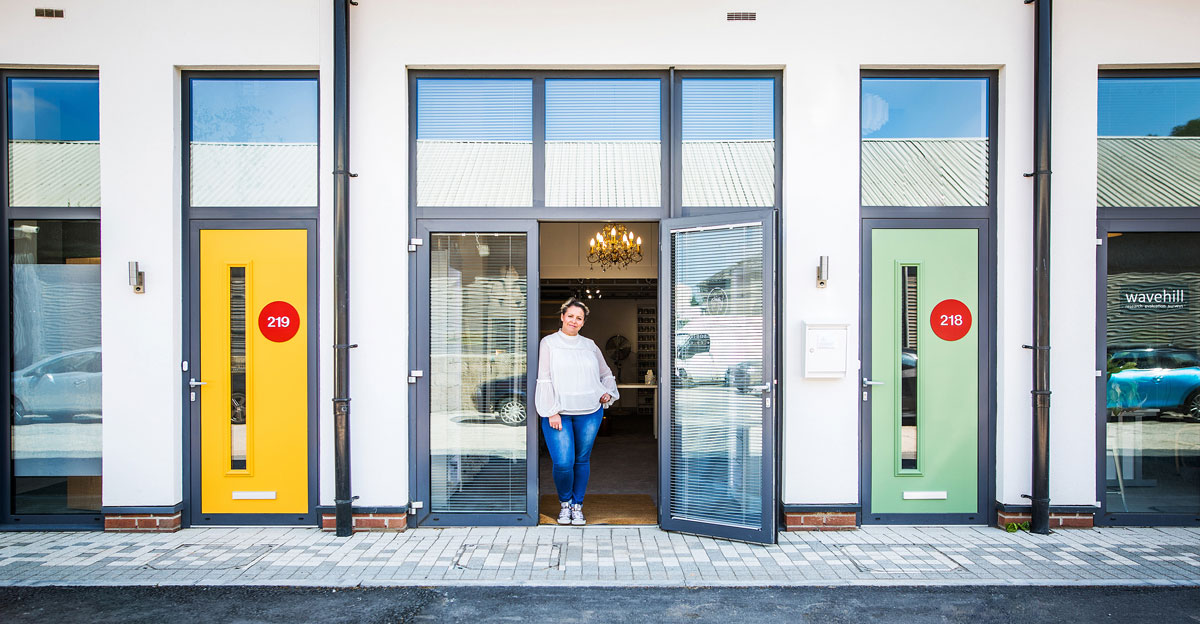
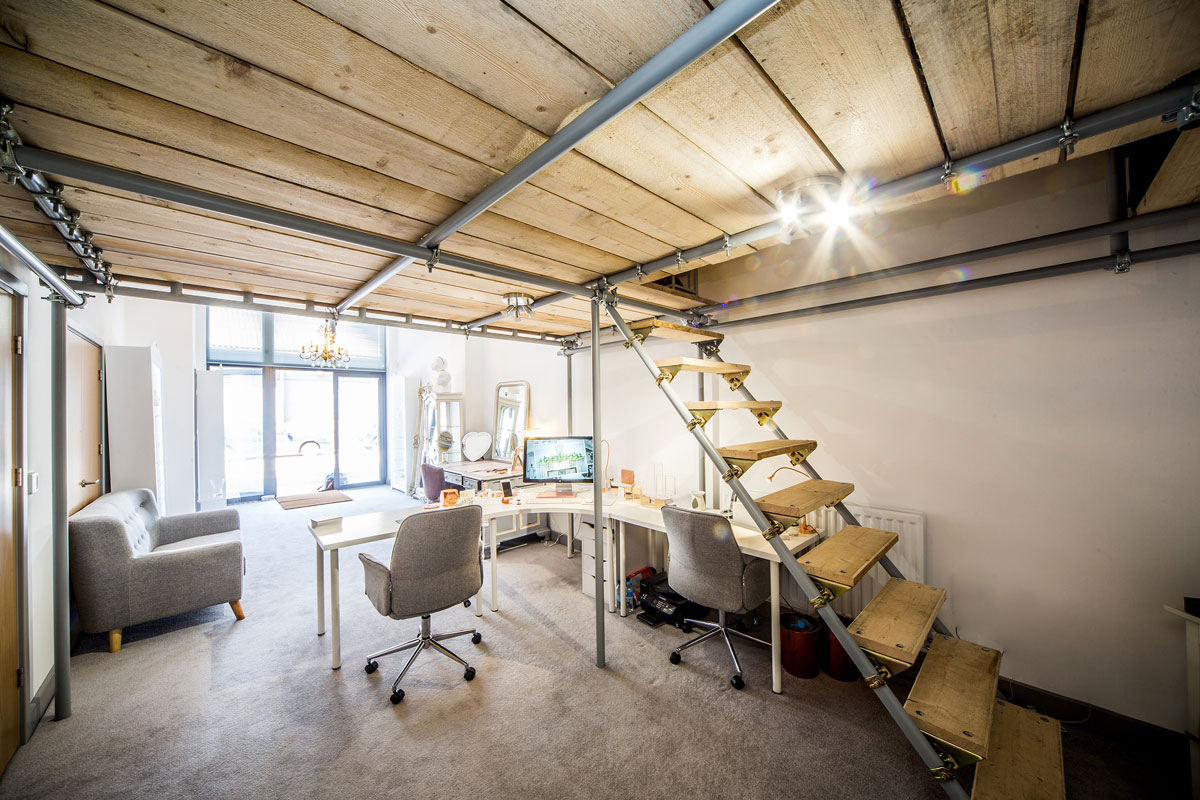
In total there are 26 live/work units at Paintworks, some of the first to be built in the country. There are also 331 residential dwellings including policy compliant affordable housing.
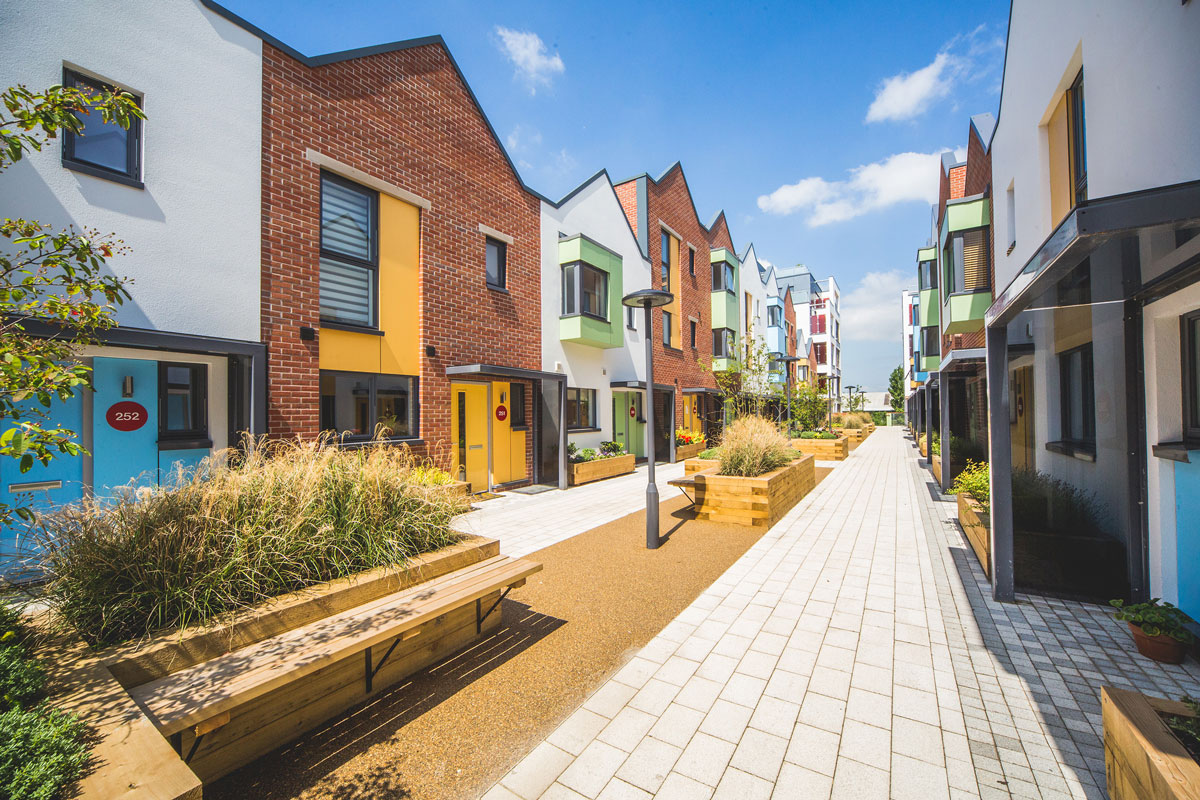
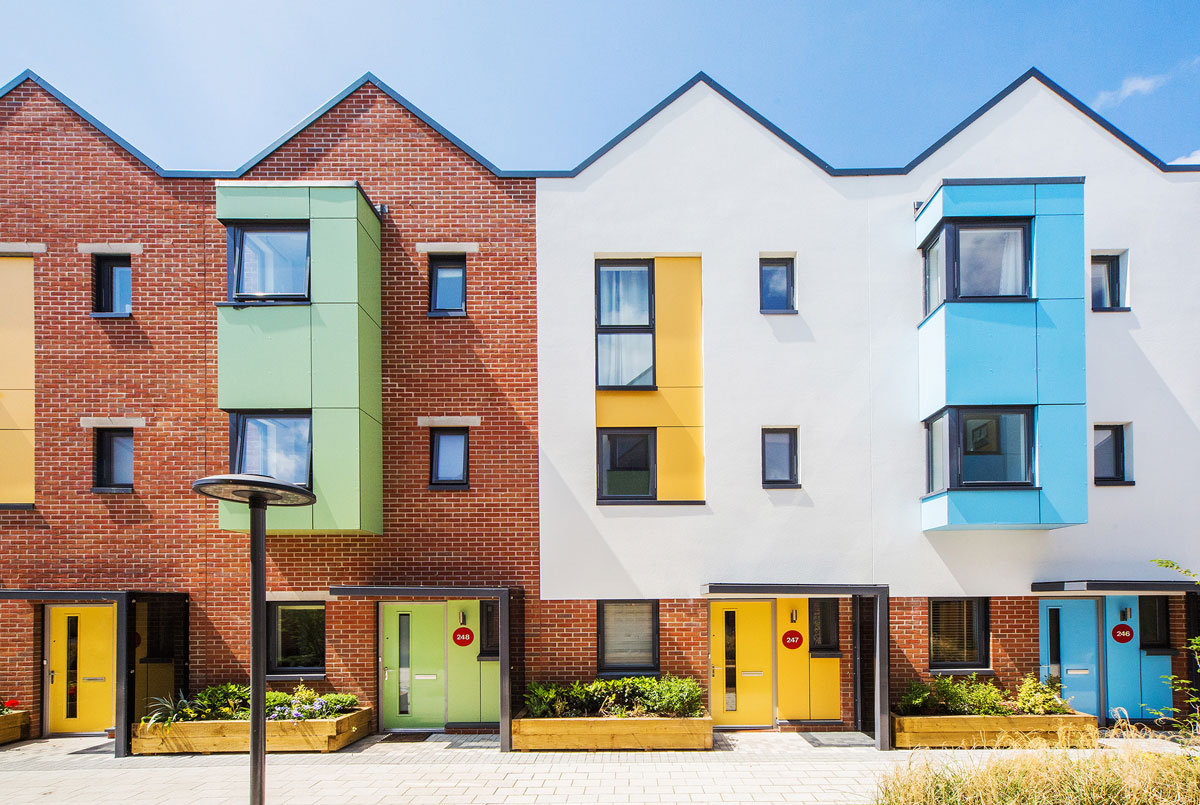
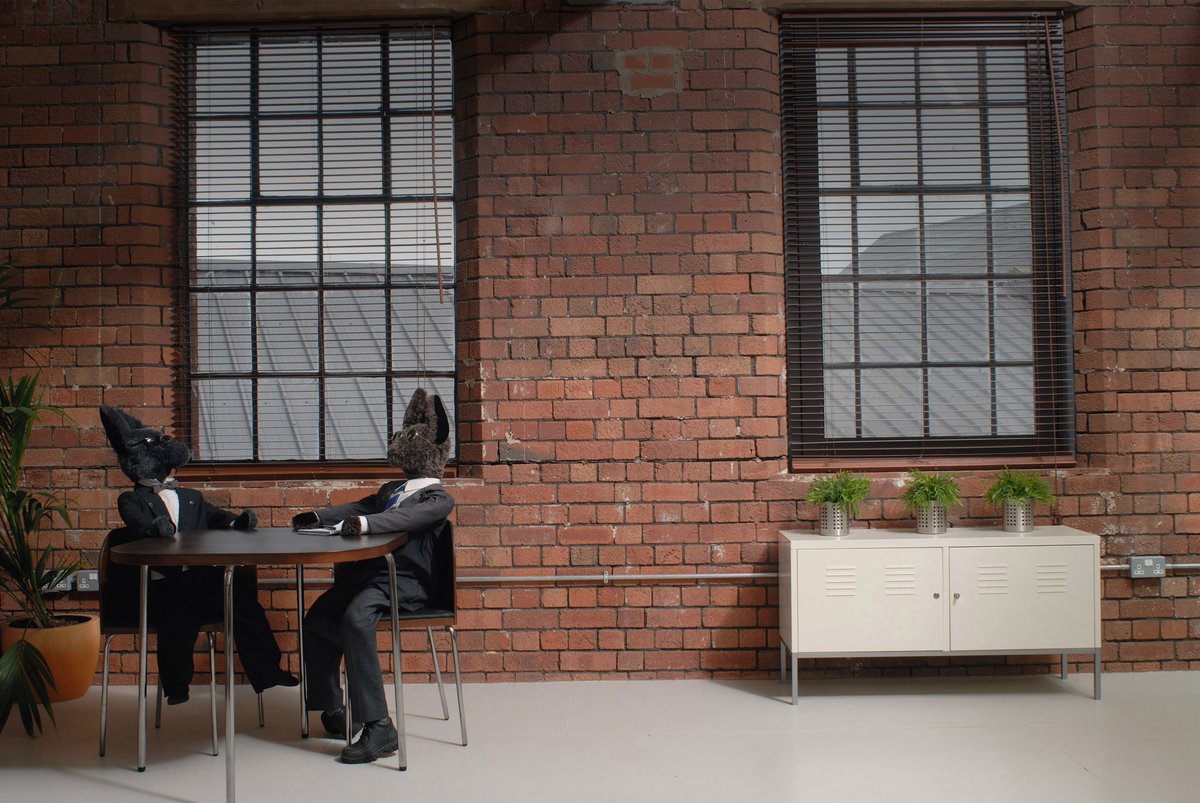
Varying in style from lofts converted from old paint factory buildings to newly built apartments and houses. All houses face car-free streets to encourage residents and families to enjoy play and socialising safely outside their home.
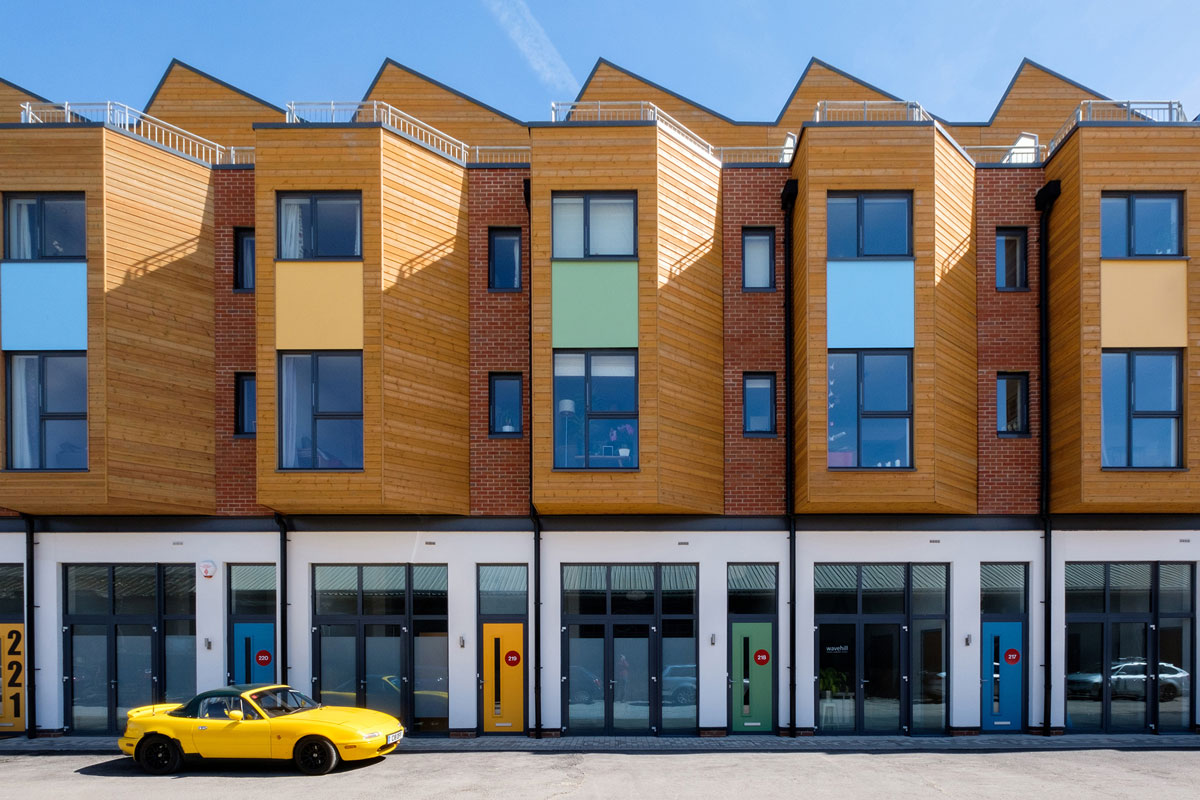
Phase 3 offered a variety of new-build homes at Paintworks including 140 1/2-bedroom apartments; 11 3-bedroom live/work spaces; and 73 2/3/4-bedroom houses.
All have an urban loft feel and the raised podium level keeps provides car-free streets and promotes interaction and socialising between neighbours.
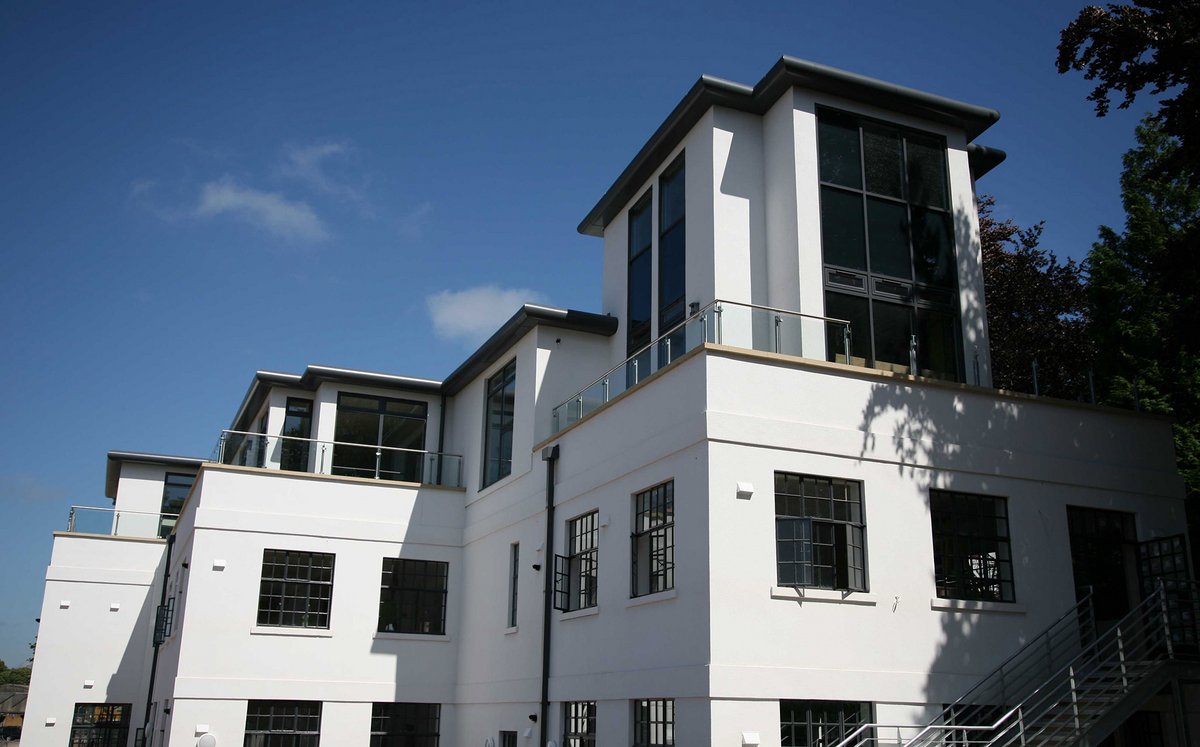
Residential Lofts
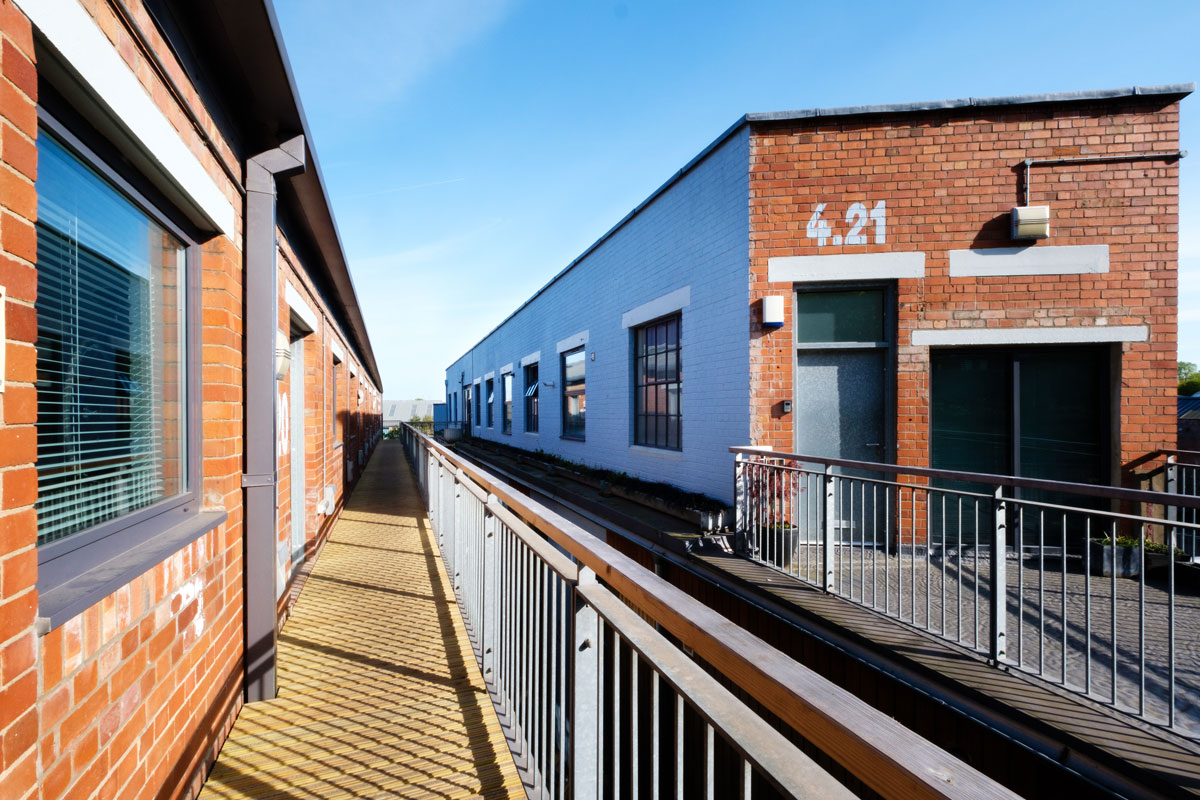
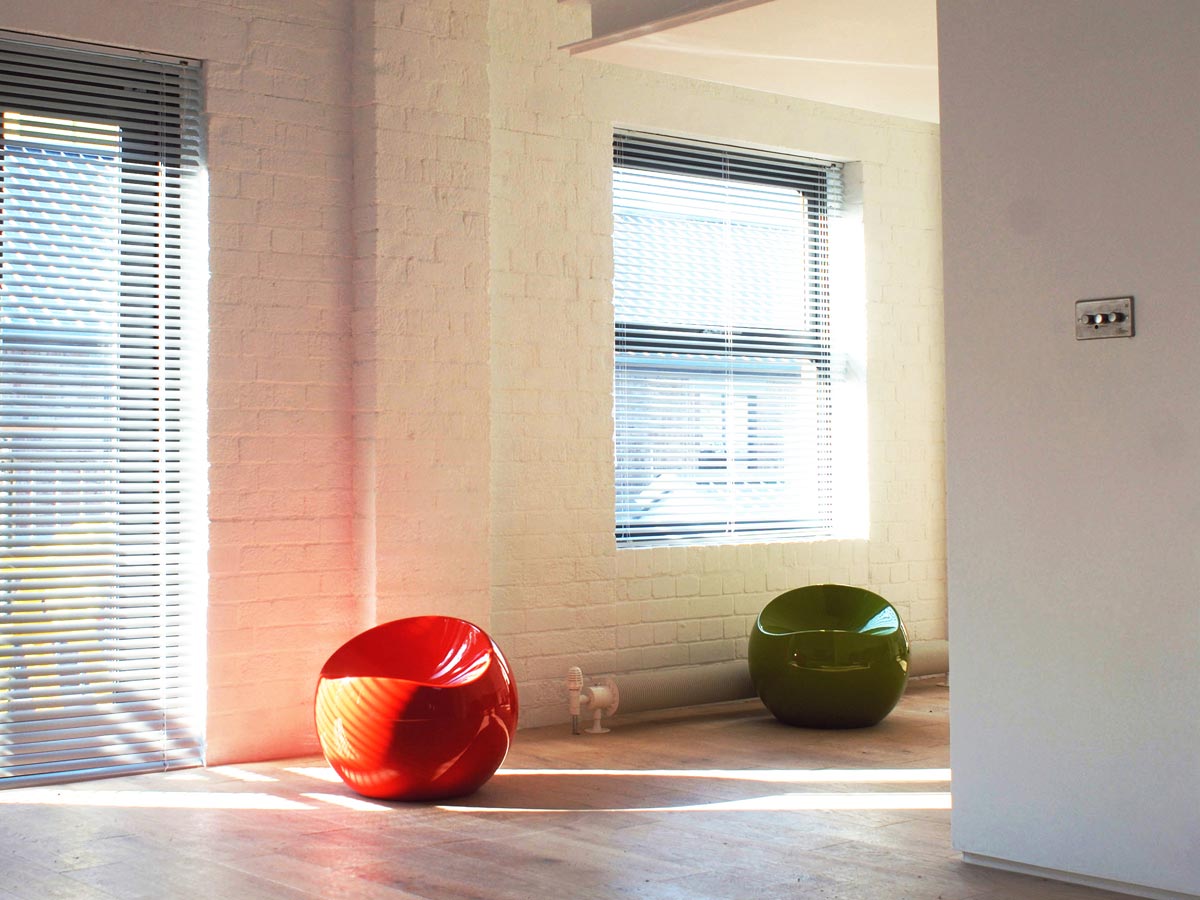
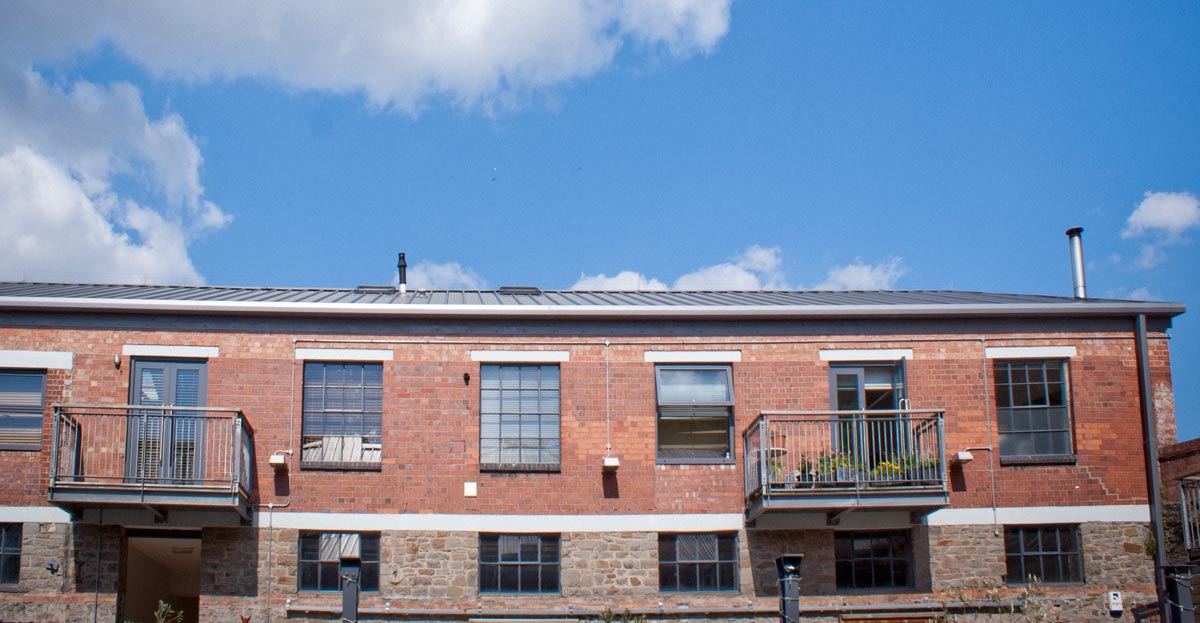
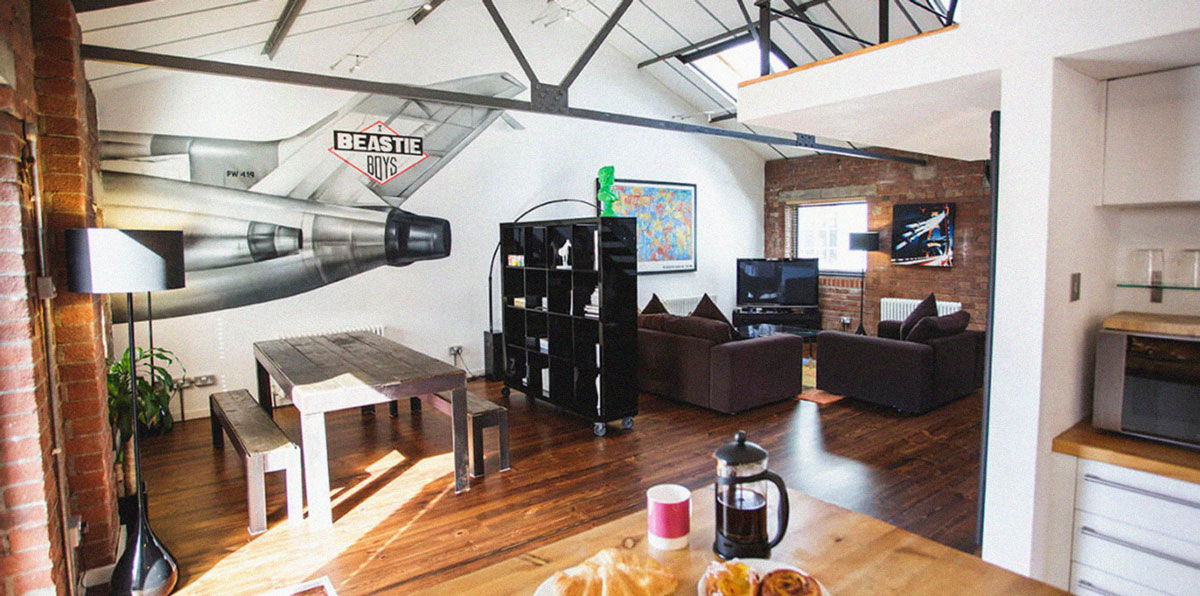
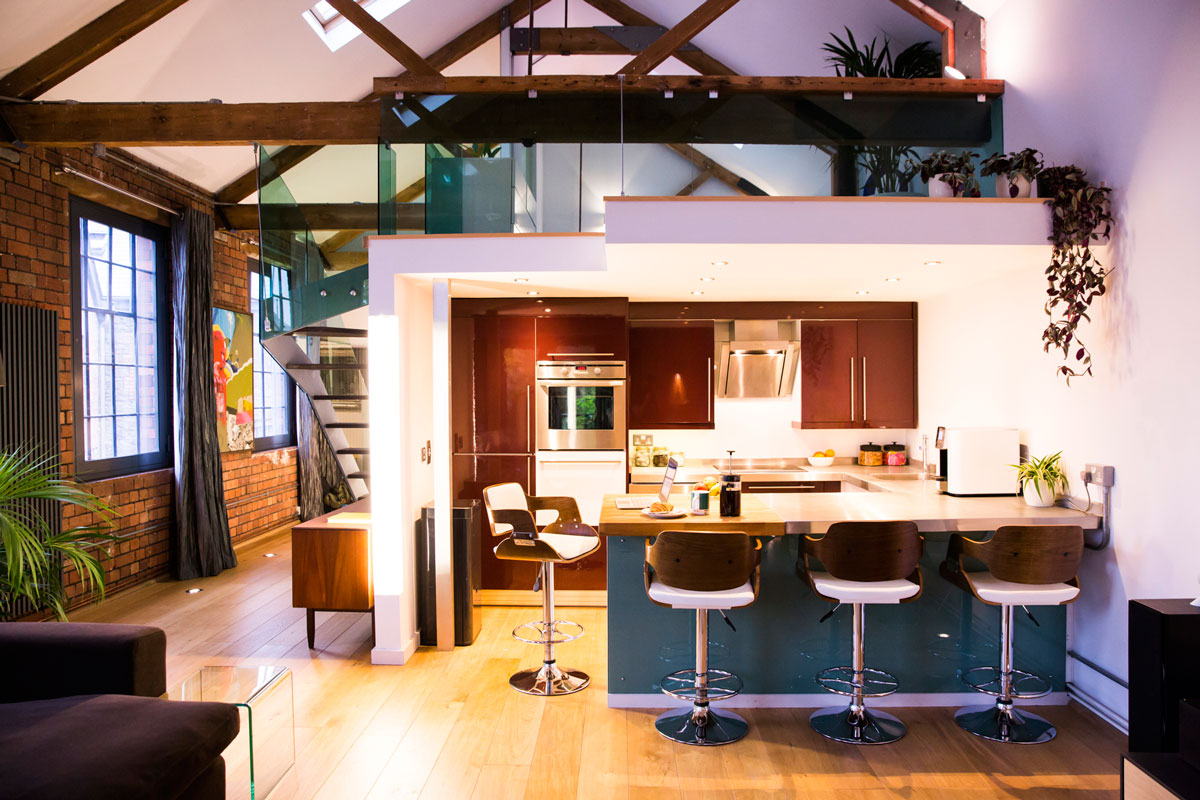
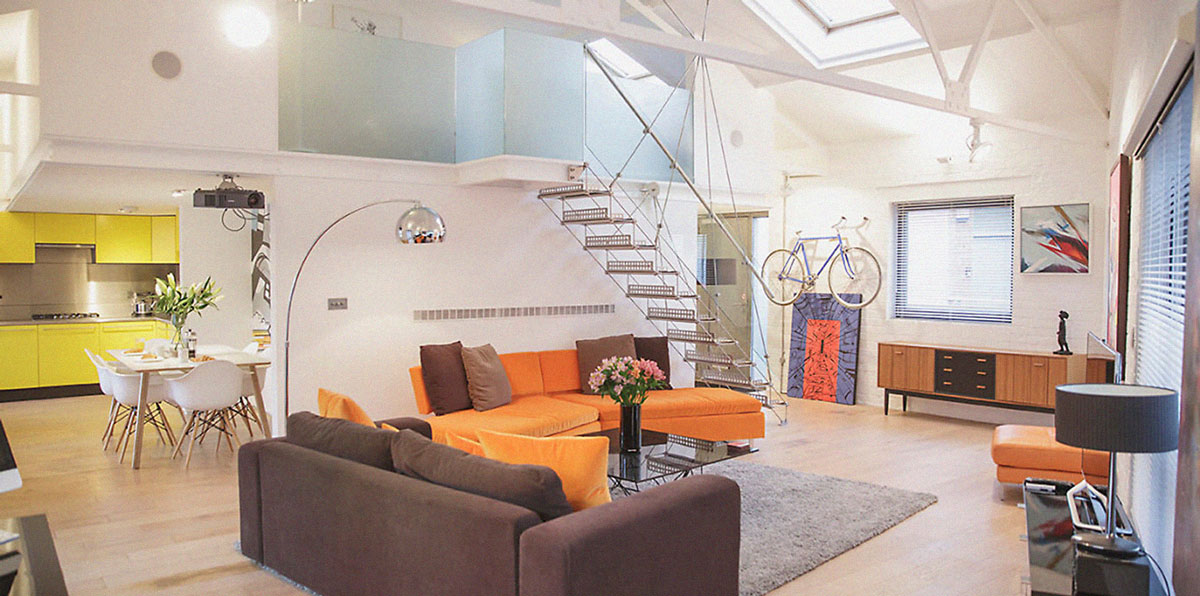
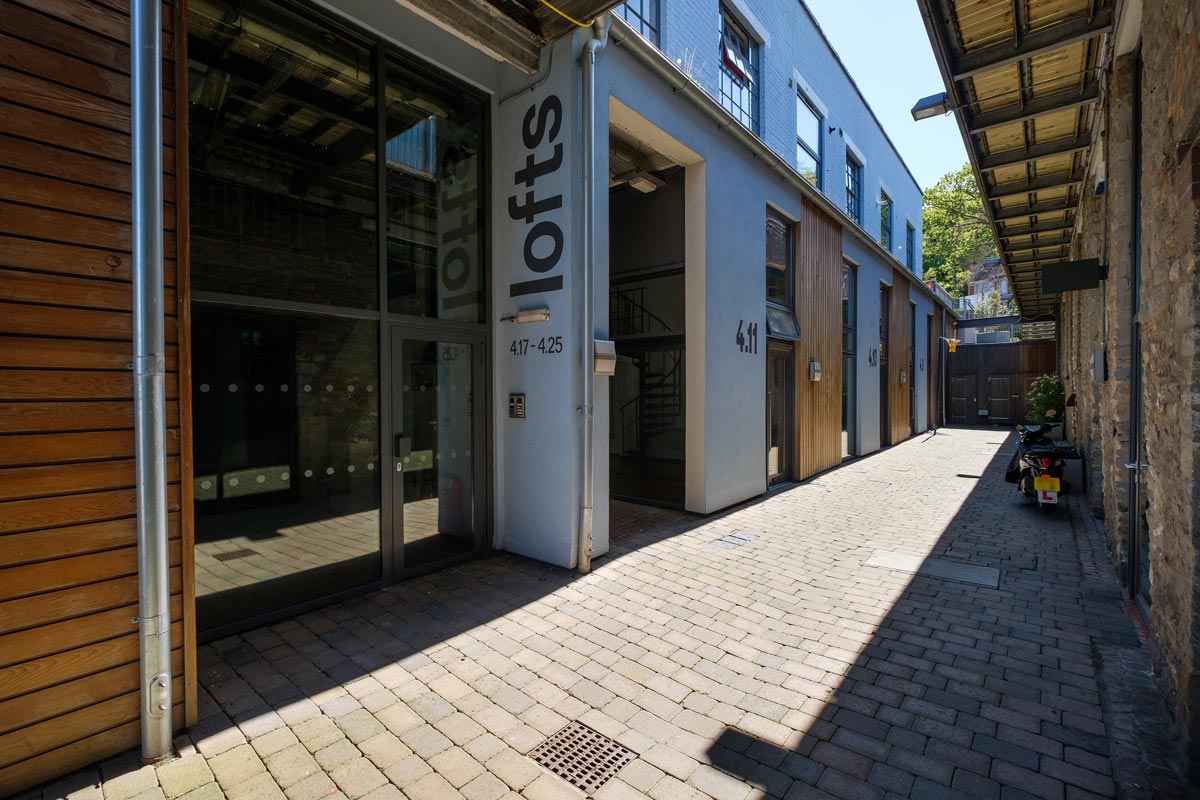
Live/Work
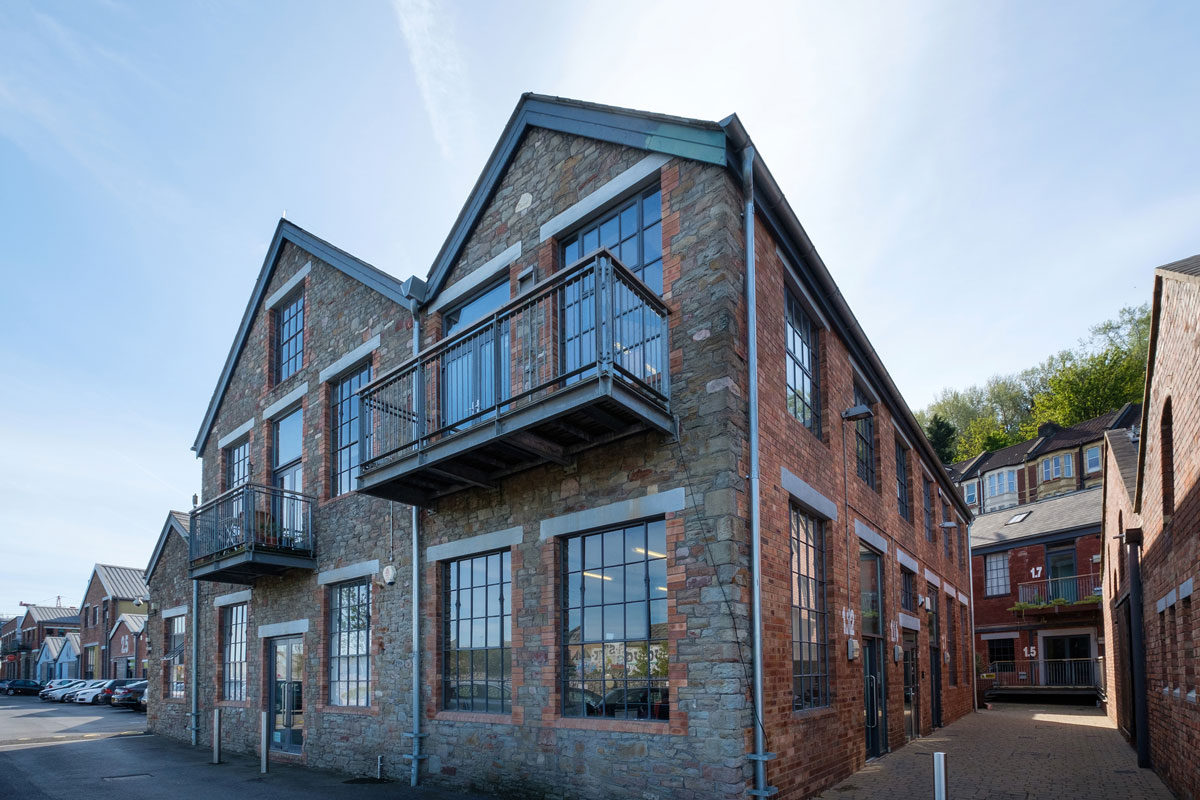
Painthouse Apartments
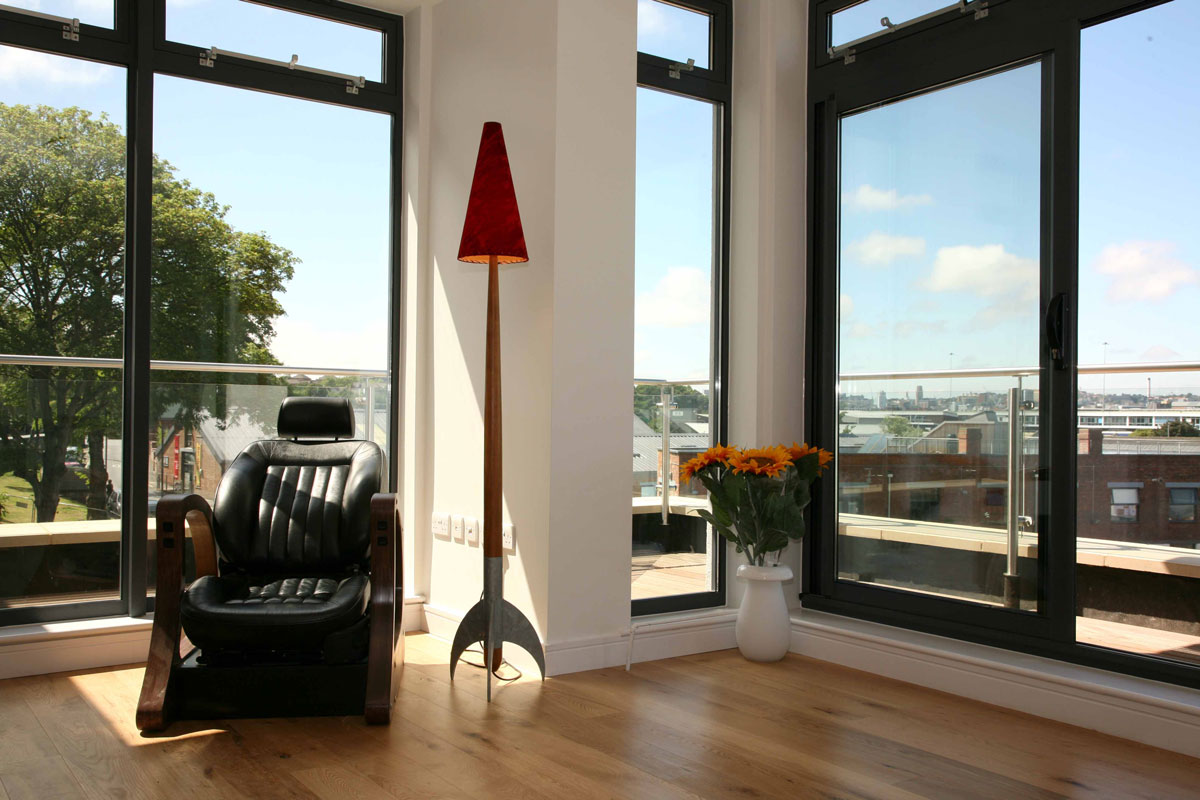
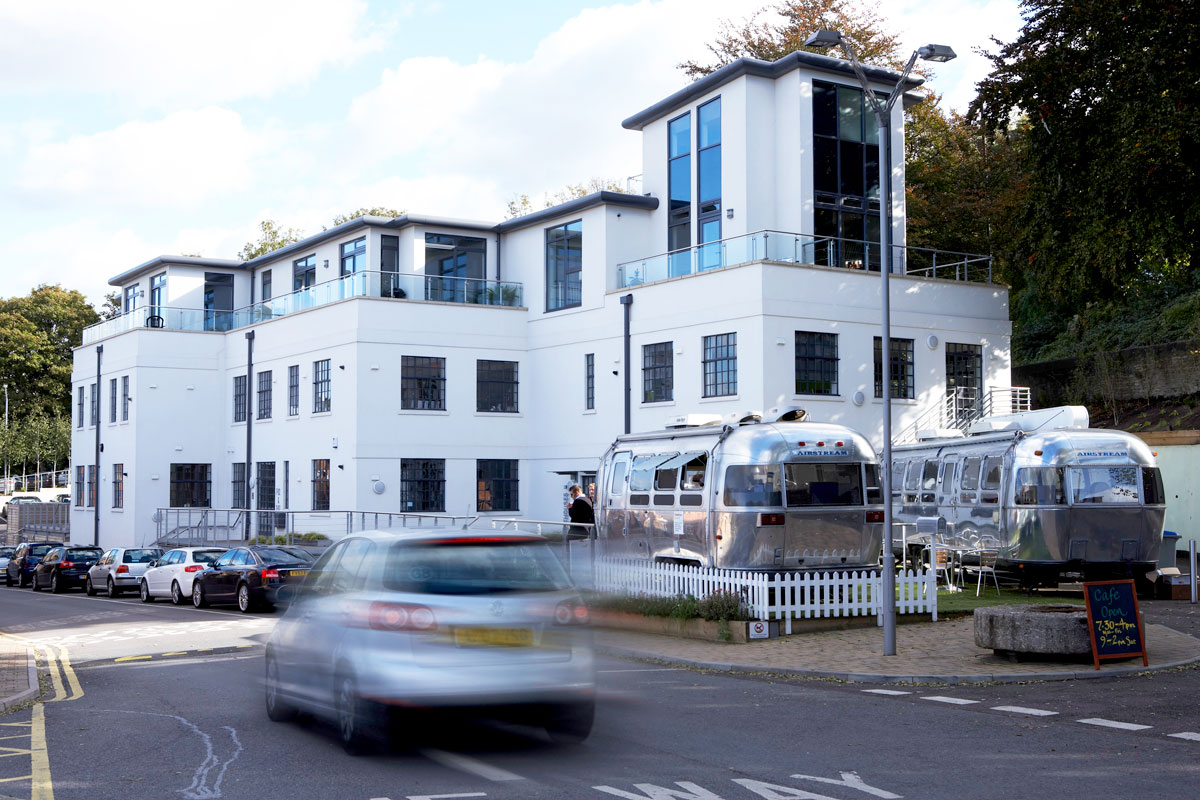
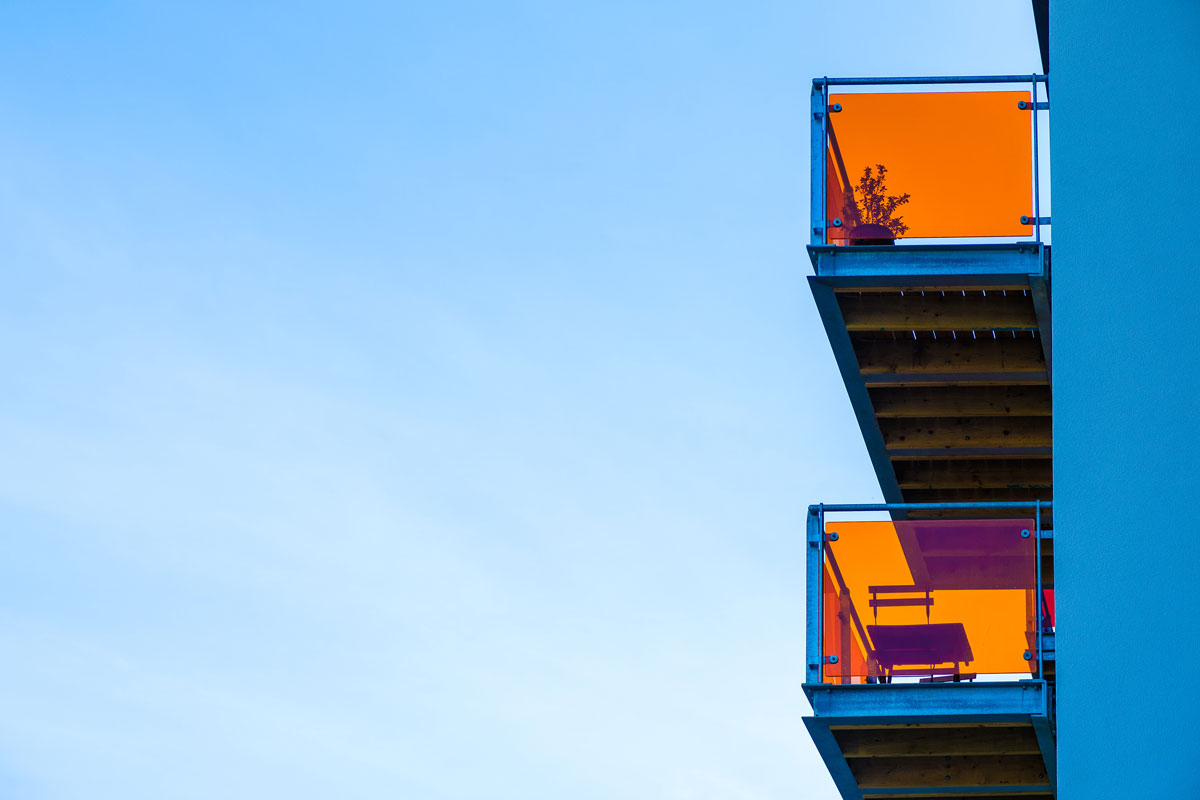
New build homes and apartments